

Windows Update Blocker
Windows Update Blocker 是一款免费工具,只需点击一下即可完全禁用或启用 Windows 的自动更新。
该工具为便携式,无需安装,移除后也不会在硬盘中留下残余。
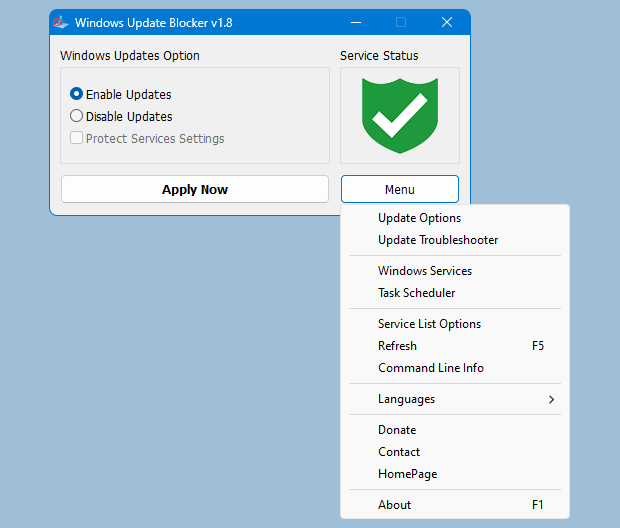
Windows Update Blocker main
工作原理
After downloading, extract Windows Update Blocker to your desired location, then run it
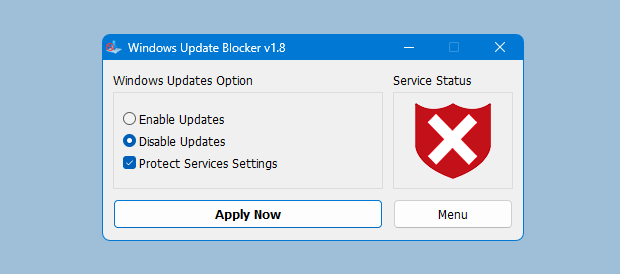
服务状态图标会显示 Windows Update 服务状态。若要阻止自动更新,请选择“Disable Service”并点击“Apply Now”。启用保护服务设置可防止未受控更改(推荐)。
如何阻止其他服务并保护设置
Windows Update Blocker New version allow users to add any other service into Wub.ini file to block it , first please edit Wub.ini file and add your desired service name under the "dosvc=2,4" line , for example if you want to block "Windows Update medic Service" Please 打开服务并找到它
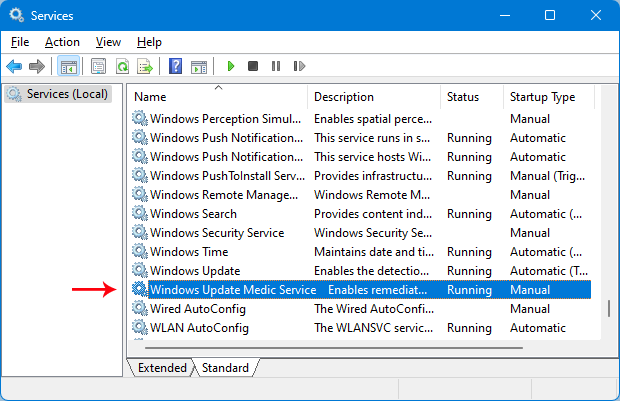
点击它并复制服务名称
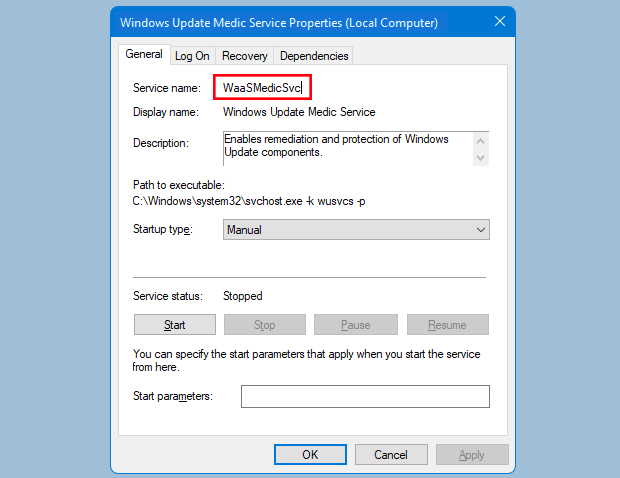
在 dosvc=2,4 行下写入或粘贴服务名称
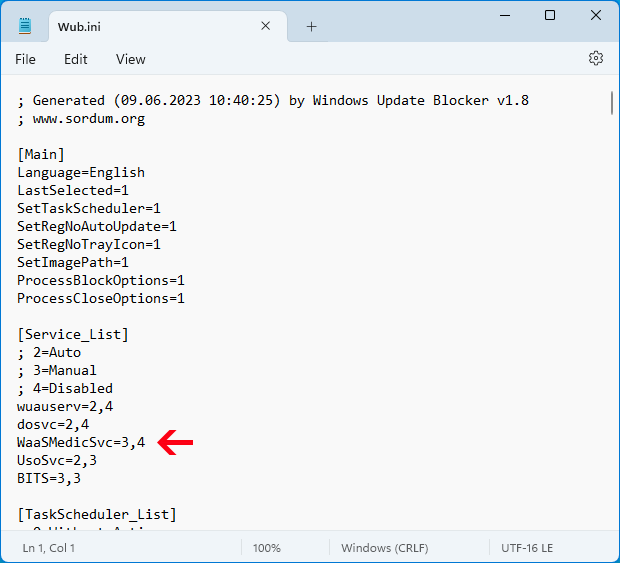
Finally open Windows Update Blocker and use "Apply now" button.
常见问题
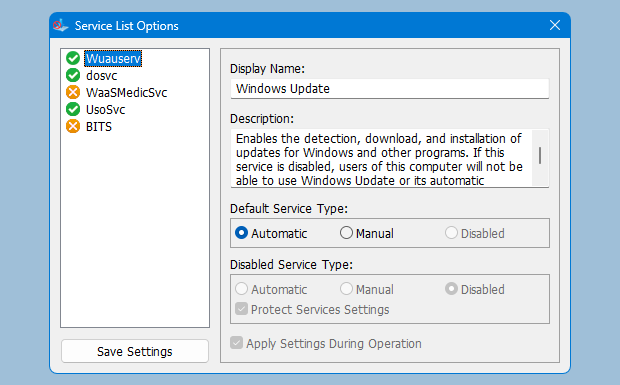
Under Menu button there is a "Service" choice if you click it , Service popup window will be open.
通过该界面可轻松管理添加到 Wub.ini [Service_List] 部分的服务。
Wub.ini 最多可添加 25 个服务。Wuausrv 仅供信息显示,无法编辑。
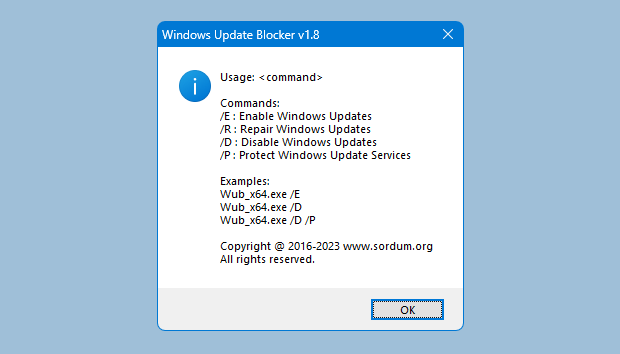
Windows Update Blocker 支持命令行参数以自动化相关任务: